Photo to Wax Seal
Upload a portrait, signature, or icon and the studio turns it into wax relief you can rotate and press. Open the studio with the image tools ready to use.
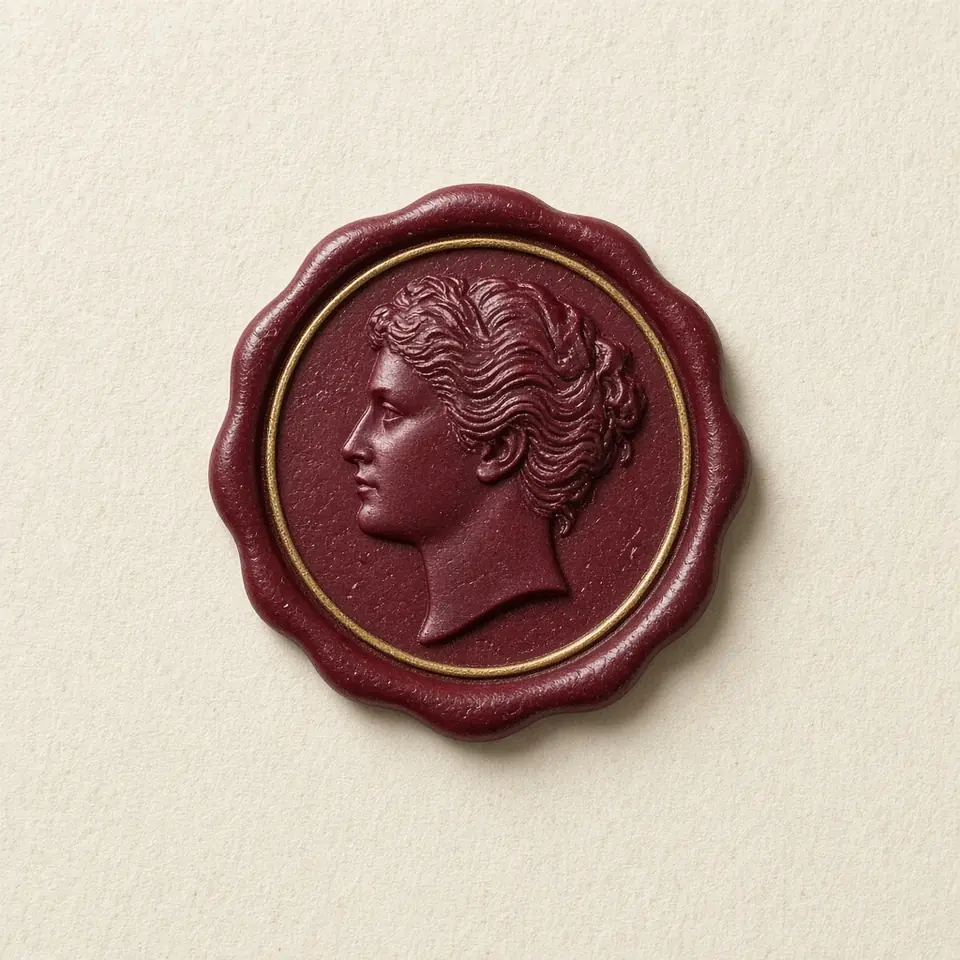
How a photo becomes relief
Portrait relief mode translates light and dark values into delicate tactile depths for sculptured portraits, while icon outline mode traces vector contours—ideal for signatures, line art, and transparent logos requiring clean, crisp embossed edges.
Front-facing portraits with balanced lighting, distinct features, and simple backgrounds yield the clearest relief. The built-in crop and detail controls allow you to frame your subject perfectly within the circular seal.
Upload PNG, JPG, WebP, or SVG files up to 10 MB. All relief calculations run instantly inside your browser sandbox, keeping your personal photos private with zero cloud uploads.
Refinement and asset export
Toggle seamlessly between classic recessed intaglio and raised cameo embossing with the invert control, and freely reposition or scale your composition while balancing edge softness and wax texture.
Export high-resolution transparent PNG images for graphic layouts or download complete 3D GLB models carrying authentic physical depth for 3D workflows, completely free and unwatermarked.
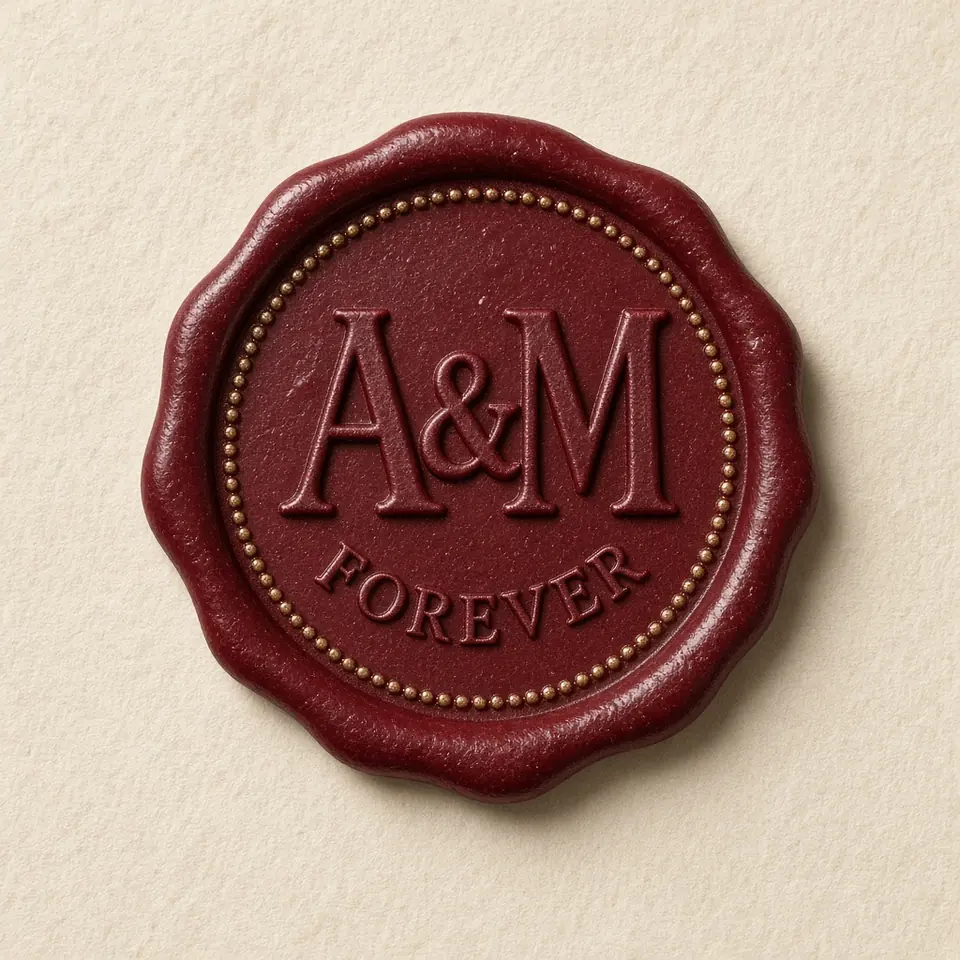
Creative applications and best practices
Photo wax seals add intimate warmth to anniversary gifts, heirloom stationery, personal bookplates, and family correspondence, transforming cherished memories into timeless tactile emblems.
Switching custom logos or illustrations to icon outline mode creates distinctive brand seals and digital signatures, suitable for both elegant digital documents and personalized stationery craft.
By pairing the exported 3D GLB model with high-resolution resin 3D printing, creators can physically fabricate custom metal or resin stamping dies, closing the loop from digital design to hand sealing.
Turn a photo into a wax seal
- Upload artwork
Open the studio image panel and import your prepared PNG, JPG, WebP, or SVG file up to 10 MB.
- Select relief mode
Choose portrait relief for continuous tone depth mapping, or icon outline for crisp vector contours.
- Refine composition
Zoom and center your subject, adjust the detail preservation slider, and toggle raised or engraved depth.
- Export assets
Download transparent high-resolution PNG images or export full-depth 3D GLB models from the header.
Questions
- What photos produce the clearest facial relief?
- Evenly lit, front-facing close-up portraits with distinct facial features and strong contrast yield the sharpest depth without muddy shadows or washed-out highlights.
- How do portrait relief and icon outline modes differ?
- Portrait mode maps continuous grayscale tones to physical relief height, while icon outline traces alpha and contrast edges to create uniform embossed ridges ideal for logos and line art.
- Should I remove background clutter before uploading?
- Isolating your subject or using a transparent background helps keep the circular seal clean, though high-contrast subjects can often be framed directly using the built-in crop and detail controls.
- Can the 3D model be used for physical 3D printing or CNC engraving?
- Yes. The GLB file contains watertight geometry that can be loaded directly into 3D printing slicers or converted in CAD software for CNC milling custom brass seal dies.
- Are my uploaded photos sent to servers or used for AI training?
- No. All image processing and 3D depth computation run strictly inside your browser sandbox; your photos are never uploaded to remote servers or used in any AI training datasets.